Scan shop QR
Customer opens the shop's personal print page.
Customers upload from mobile, choose print settings and payment. InstaPrint Agent sends the approved job directly to the shop's Windows printer.
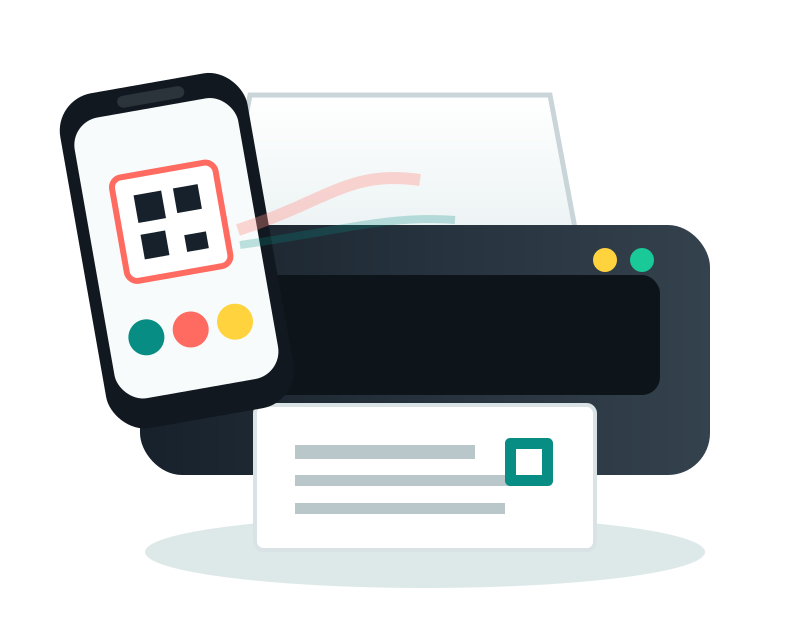
Customer opens the shop's personal print page.
PDF/image, pages, copies, B&W/color, size and duplex.
Shop chooses automatic printing or approval queue.
Correct B&W, color or photo printer is selected automatically.
PDF, JPG, PNG with live settings and pricing.
Photo sizing and multi-copy sheet layout.
Front-back card layout ready for print.
Professional document printing workflow.
Full-screen shop panel, printer auto-detection, intelligent routing, live queue, reports, wallet/plans and Refer & Earn.
Create shop accountEvery plan uses the same InstaPrint QR workflow and Shop Panel.
7 days
30 days
30 days
365 days
Install once, pair the shop, and InstaPrint automatically discovers Windows printers, syncs their status and receives print jobs in the background.